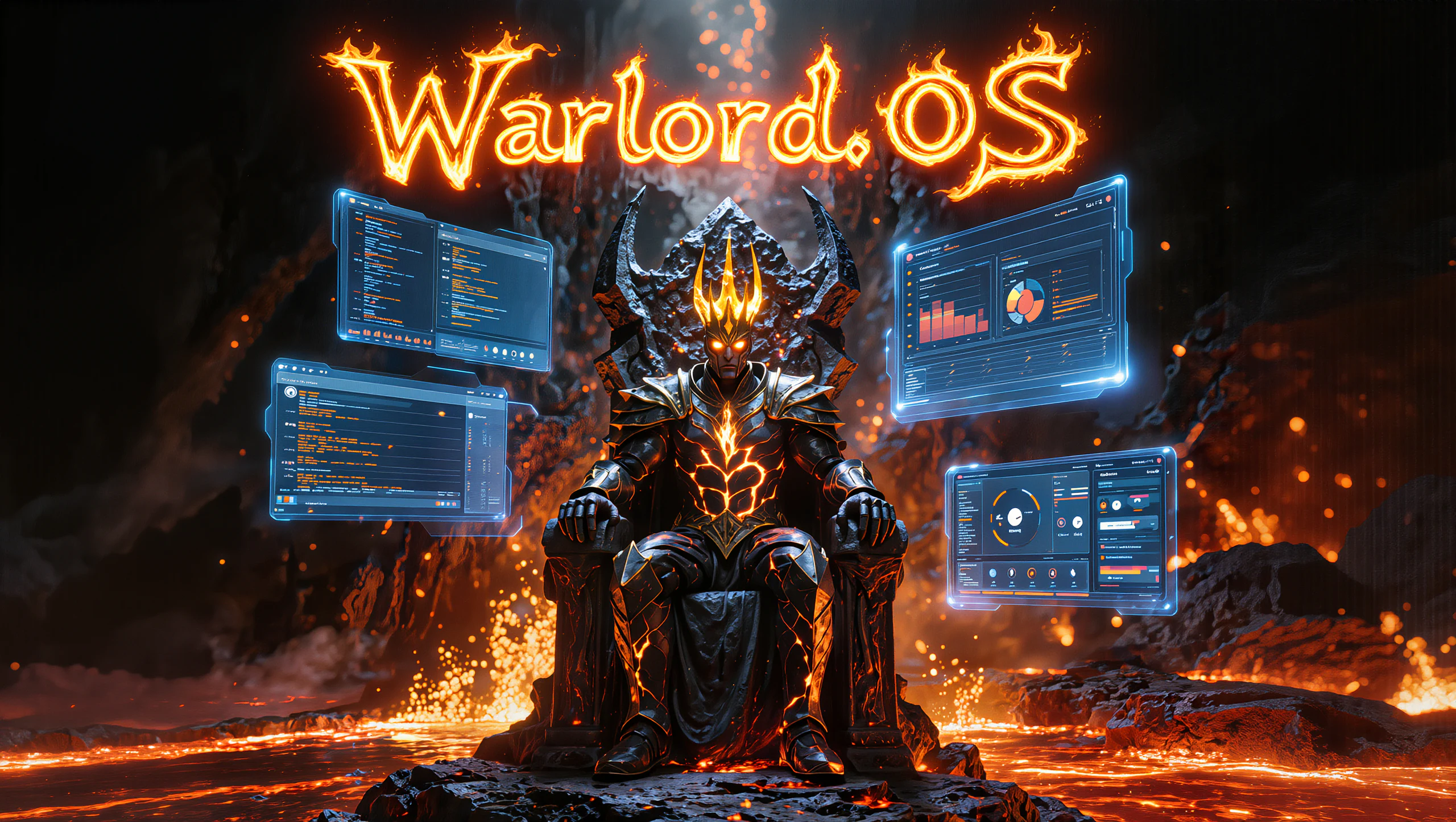
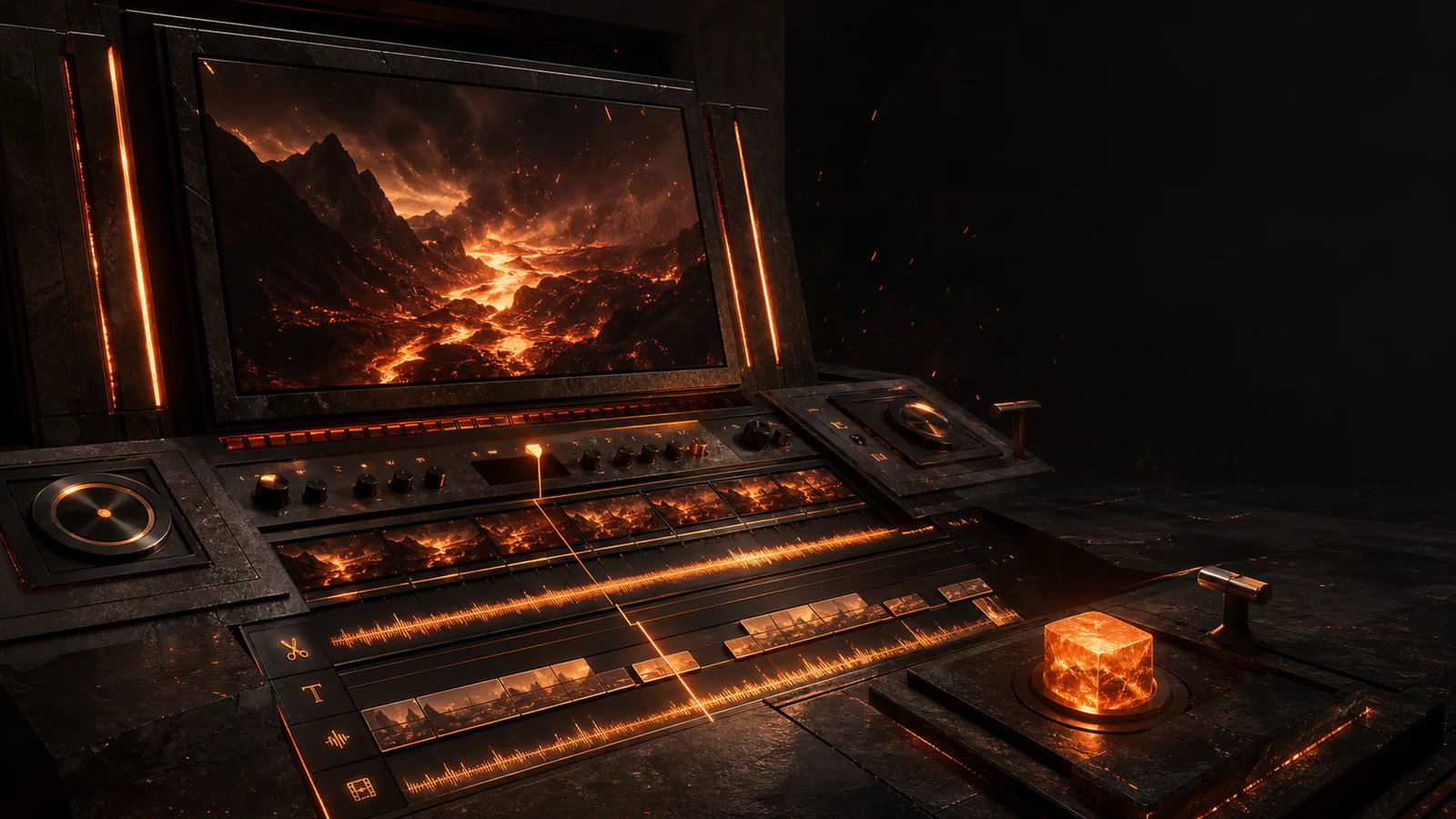
Put product marketing, publishing machines, specialist Hermes agents, verified coding clients, memory and media under one command layer on your Windows PC.
Memory, media and supported engines stay on this PC.
Evidence-led
Saved settings never pretend to be live connections.
Bring your own providersPersistent project memoryReal connection probesReceipts over promises
THE FOUR POWER SYSTEMS
From intention to work that actually moves.
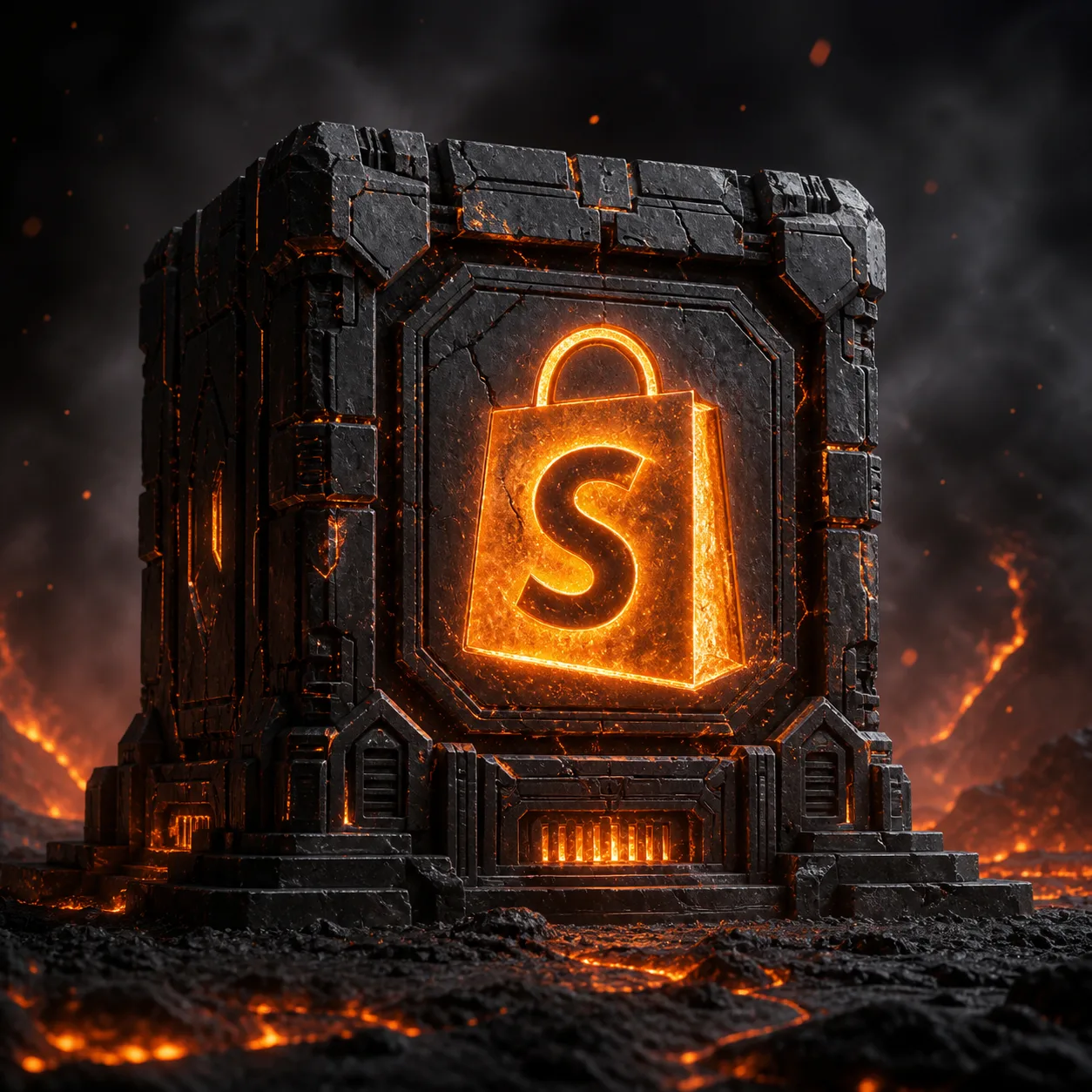
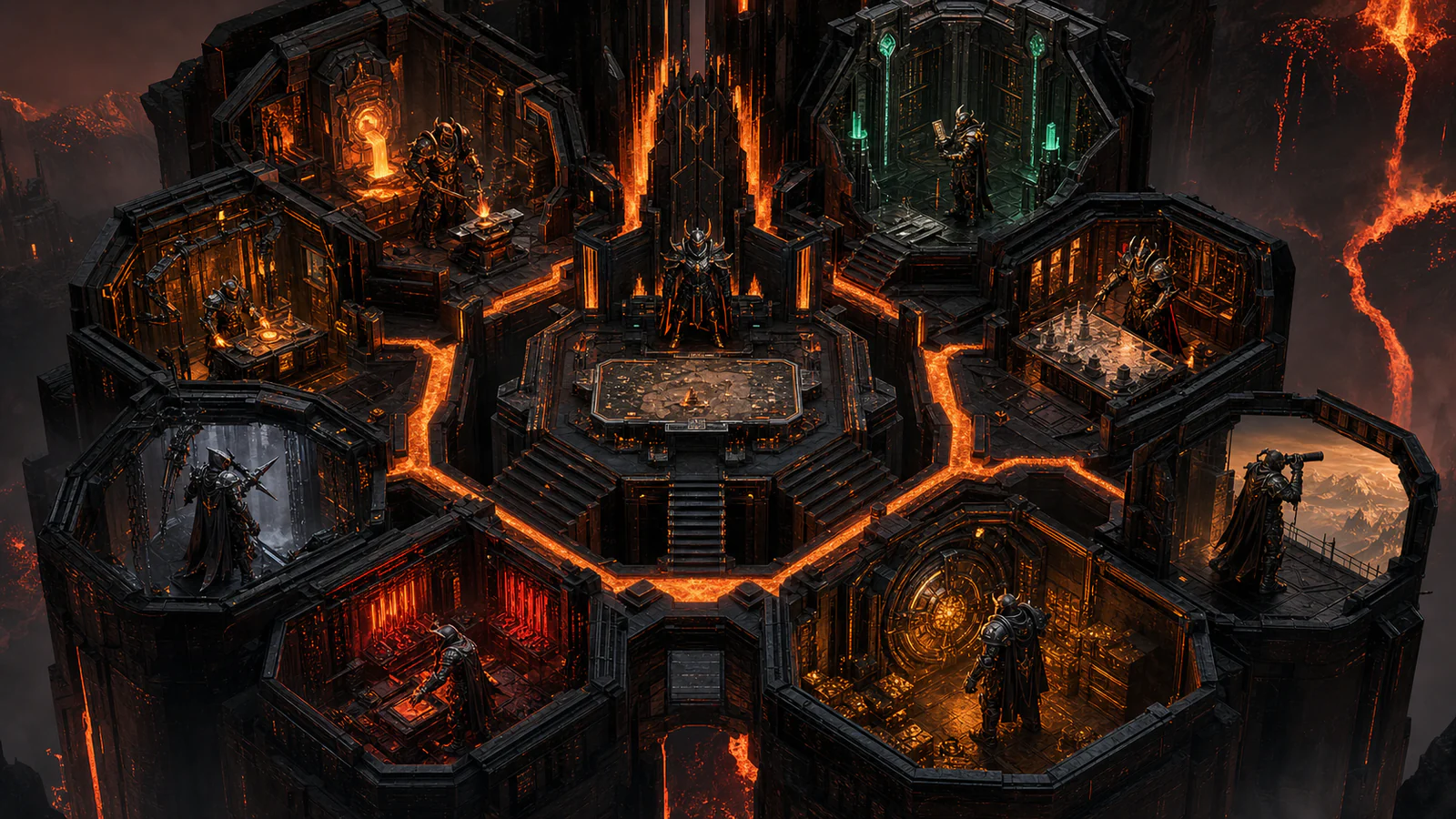
These are not four themed chat boxes. Each owns a different part of the operation: catalogue intelligence, publishing, agent work and software execution. The images below are retained product artwork and fresh captures from the real running OS.
OFFICIAL WARLORD.OS PRODUCT ARTWORK
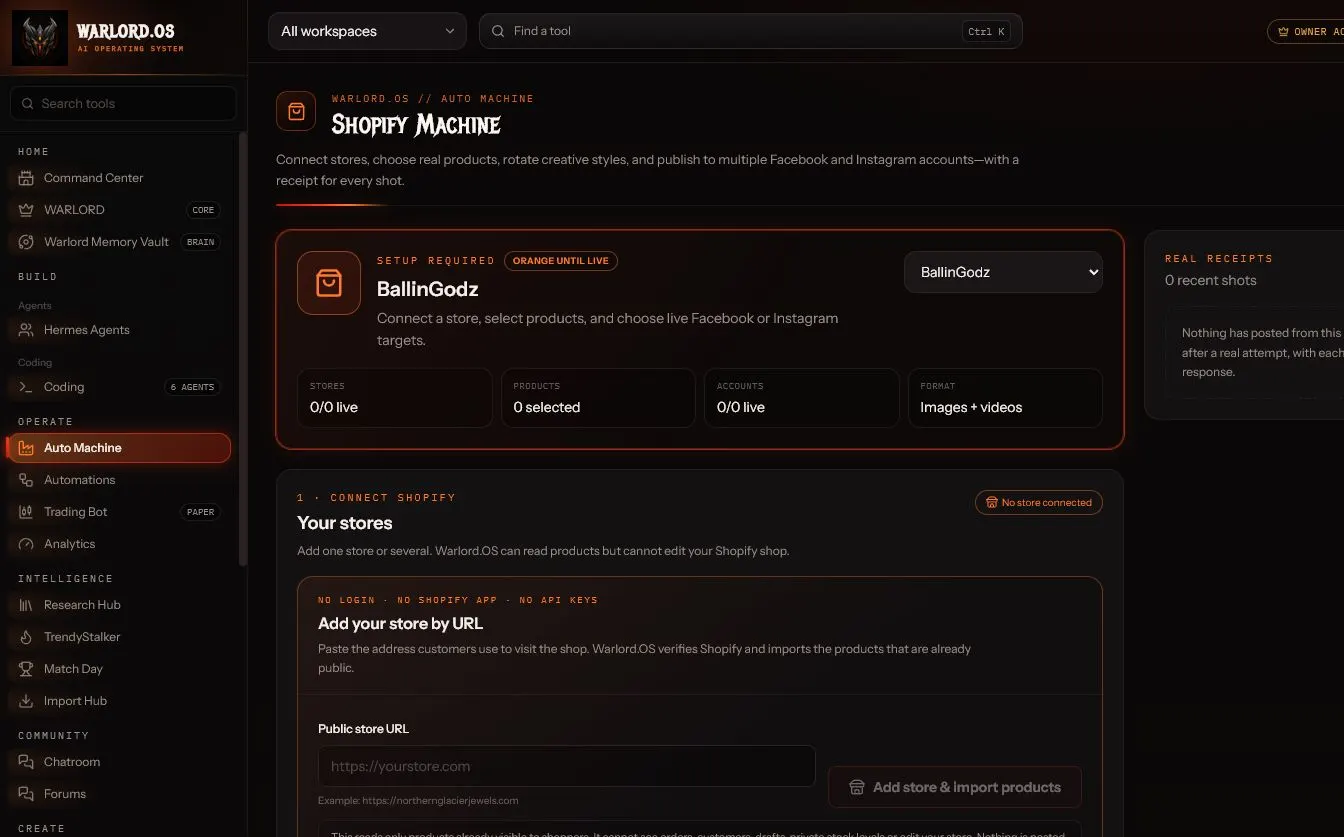
REAL RUNNING OS · ISOLATED CAPTURE ACCOUNT
01 / COMMERCE AUTOMATION
OWNER BUILD · CONNECTION-DEPENDENT
Turn a real catalogue into controlled product content.
Stop rebuilding every product post by hand. Shopify Machine reads the products shoppers can actually see, keeps exact catalogue facts at the centre and builds a repeatable path from selection to social publishing.
Add a public Shopify storefront by URL without handing over admin access, or use an authenticated store connection where it is needed. Choose stores, products, creative styles, image or video formats, aspect ratio, motion, layouts, posting interval and multiple Facebook or Instagram targets from one machine.
Grounded creativeUses the real product image, exact price and listing text. Sale language appears only when Shopify proves a compare-at discount.
Controlled autopilotStore direction and product headlines are drafted from catalogue facts, rejected when unsupported and held for approval.
Receipts after actionProducts are checked again before posting; every selected account gets its own platform response in the shot history.
01Connect a storefront
02Select real products
03Direct the creative
04Approve, post or arm
THE CONNECTED PUBLISHING FORGE
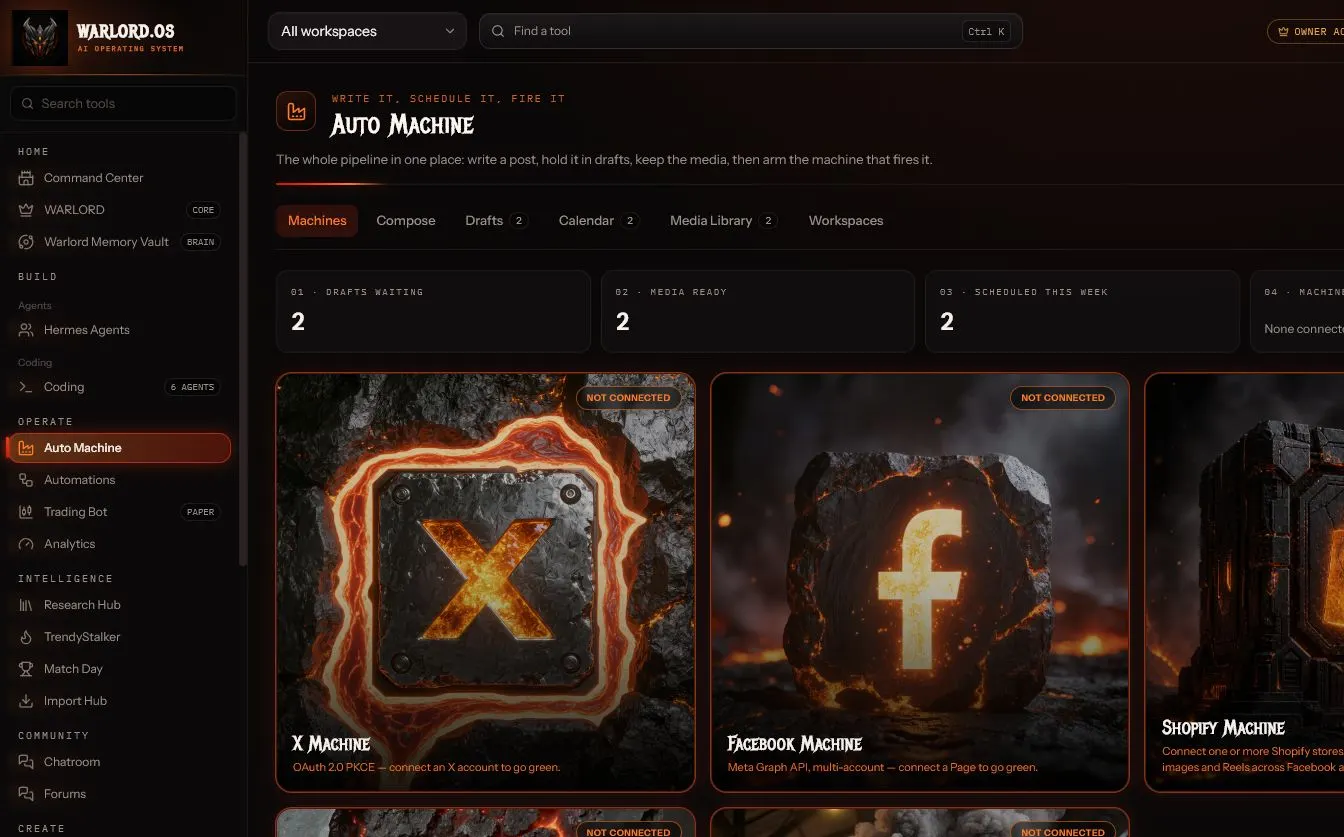
REAL RUNNING OS · MACHINE GRID
02 / CONTENT OPERATIONS
LIVE OS SURFACE · ACCOUNT-DEPENDENT
One pipeline from the first line to the final platform.
The work should not disappear between a writing tool, a folder and a scheduler. Auto Machine keeps the post, media, workspace, date and target connected all the way through.
Compose, Drafts, Calendar, Media Library and Workspaces live inside one operational surface. The machine grid covers X, Facebook, Shopify, Instagram and YouTube: X and Facebook fire written posts; Instagram and YouTube use clips loaded into the shared publishing engine.
A real queue
Draft work deliberately, attach retained media and see what is scheduled instead of relying on memory.
Brand separation
Workspaces keep each brand's drafts, media and assigned accounts from bleeding into the next operation.
Ready means verified
A machine reports ready only after the provider's API answers a live check. A saved key is never enough.
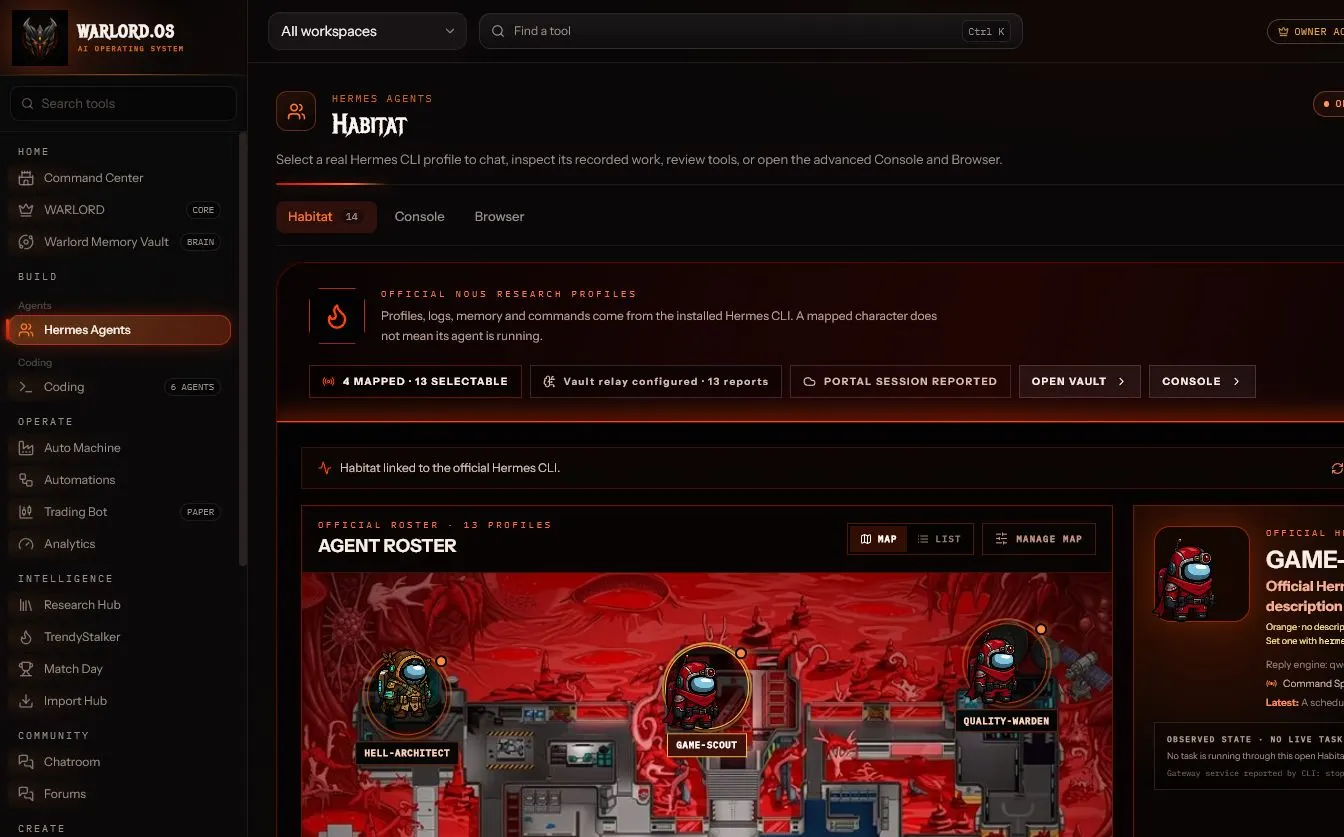
THE WARLORD.OS AGENT HABITAT
REAL RUNNING OS · OFFICIAL PROFILES OBSERVED
03 / SPECIALIST AGENTS
OWNER BUILD · OFFICIAL HERMES CLI REQUIRED
Give specialised work to a specialist—not an anonymous chat.
Habitat turns the installed Hermes profiles into a readable Warband. You choose who receives the brief, inspect the profile, follow recorded work and keep the evidence close to the mission.
Profiles, logs, memory and commands come from the official Nous Research Hermes CLI integration. The roster never claims that a mapped character is running merely because its artwork exists; observed state and live work are shown separately.
Roles stay distinct
Engineering, quality, creative, research and commercial briefs can stay attached to recognisable profiles.
One Hermes home
Habitat, the advanced Console and the Browser operator live on the same Hermes page inside the OS.
Evidence before status
Installed profiles can be observed without presenting them as a current live task until stronger proof exists.
THE VERIFIED CODING CONTROL PLANE
01
Claude Code
The genuine Anthropic client, launched from an approved runtime path.
02
Google Antigravity
Google's official terminal client with its own sign-in and credential store.
03
DeepSeek V4
DeepSeek's documented Anthropic-compatible route through Claude Code.
04
Kimi K3
Moonshot's official Kimi Code client and authentication flow.
05
X Coding
The signed xAI Grok Build client with its native agent runtime.
06
Qwen Code · Local
The official Qwen Code client pointed at a local Qwen model through Ollama.
04 / SOFTWARE EXECUTION
OWNER-ONLY TODAY · NOT IN CUSTOMER PLANS YET
Run genuine coding clients from one supervised command plane.
Stop treating every coding agent as a mystery terminal. Warlord.OS registers the approved runtime, provider boundary, endpoint, workspace, permissions and verification evidence for each lane.
Six current lanes cover official Claude Code, Google Antigravity, Moonshot Kimi Code, xAI Grok Build and Qwen Code clients, plus DeepSeek's documented compatible route. Sessions default to read-only, and Multibox controls capacity across verified agents.
Authentic clients
Warlord.OS launches approved provider clients or a documented compatible route; it does not relabel a generic chat box.
Verification receipts
Identity, authentication, endpoint, launch, workspace and Multibox checks must all be current before a lane reports ready.
Honest release boundary
The coding arsenal is currently internal owner tooling. Subscriber access must be designed, packaged and verified before it is sold.
THE DIFFERENCE
Models change. The operation keeps its memory.Warlord.OS keeps the brief, workspace, media, provider state and receipts together so a change of model does not mean rebuilding the job.
THE OPERATING SPINE
The command brain and the memory behind every tool.
The flagship machines become more valuable when the system can retain context and reason over the current operation instead of starting from zero in every workspace.
WARLORD / COMMAND BRAIN
Decide from the live situation.
WARLORD can use a supported local Ollama brain, read the current workspace situation and ground answers in retained Memory Vault context. It is built for decisions and next actions, not disposable chat.
MEMORY
WARLORD MEMORY VAULT
Keep context that survives the conversation.
Retain structured knowledge, decisions and evidence; search the vault, follow related context and bring the right memory into WARLORD without copying the same background into every request.
REAL BUILD EVIDENCE
See the OS, not only the artwork.
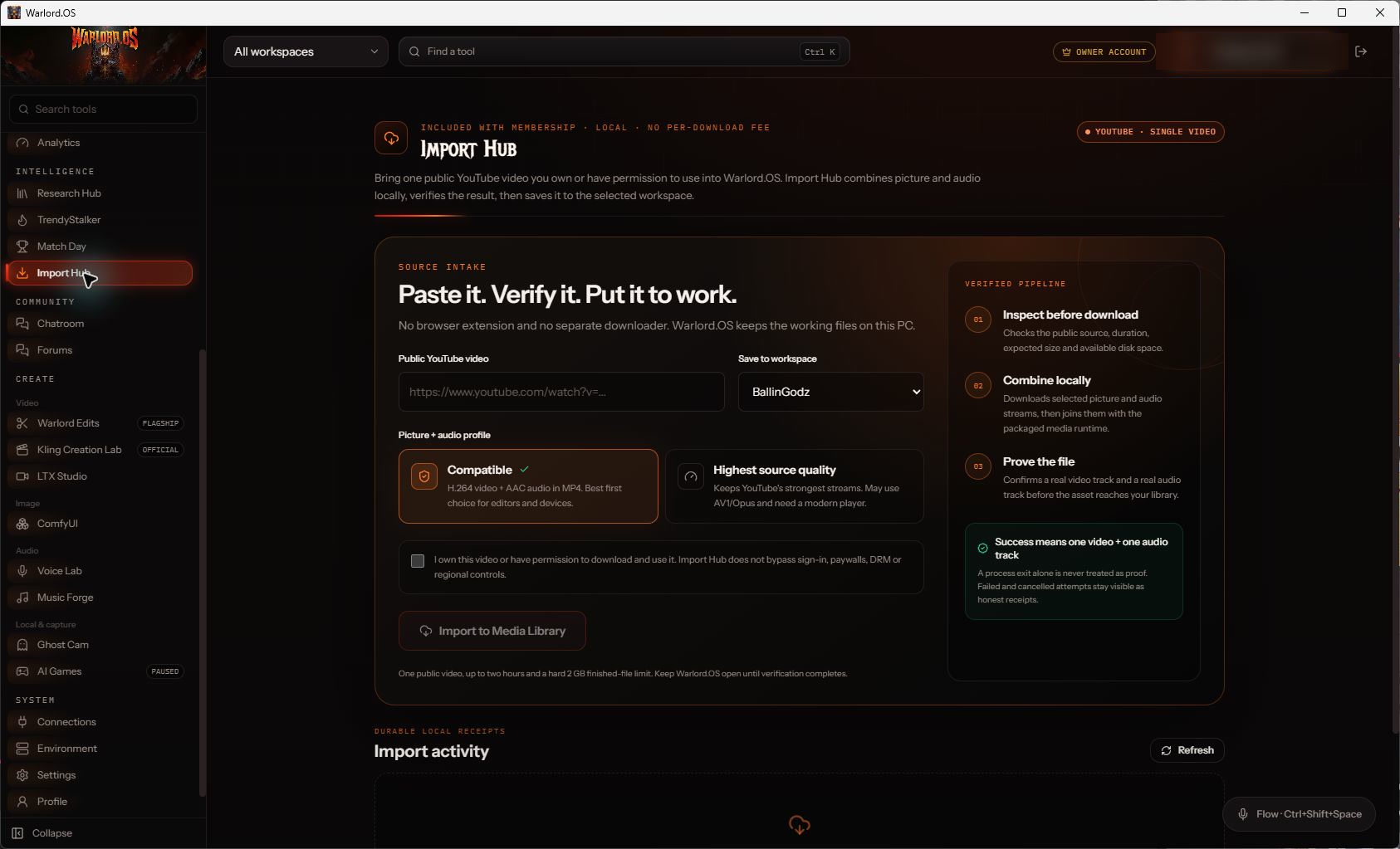
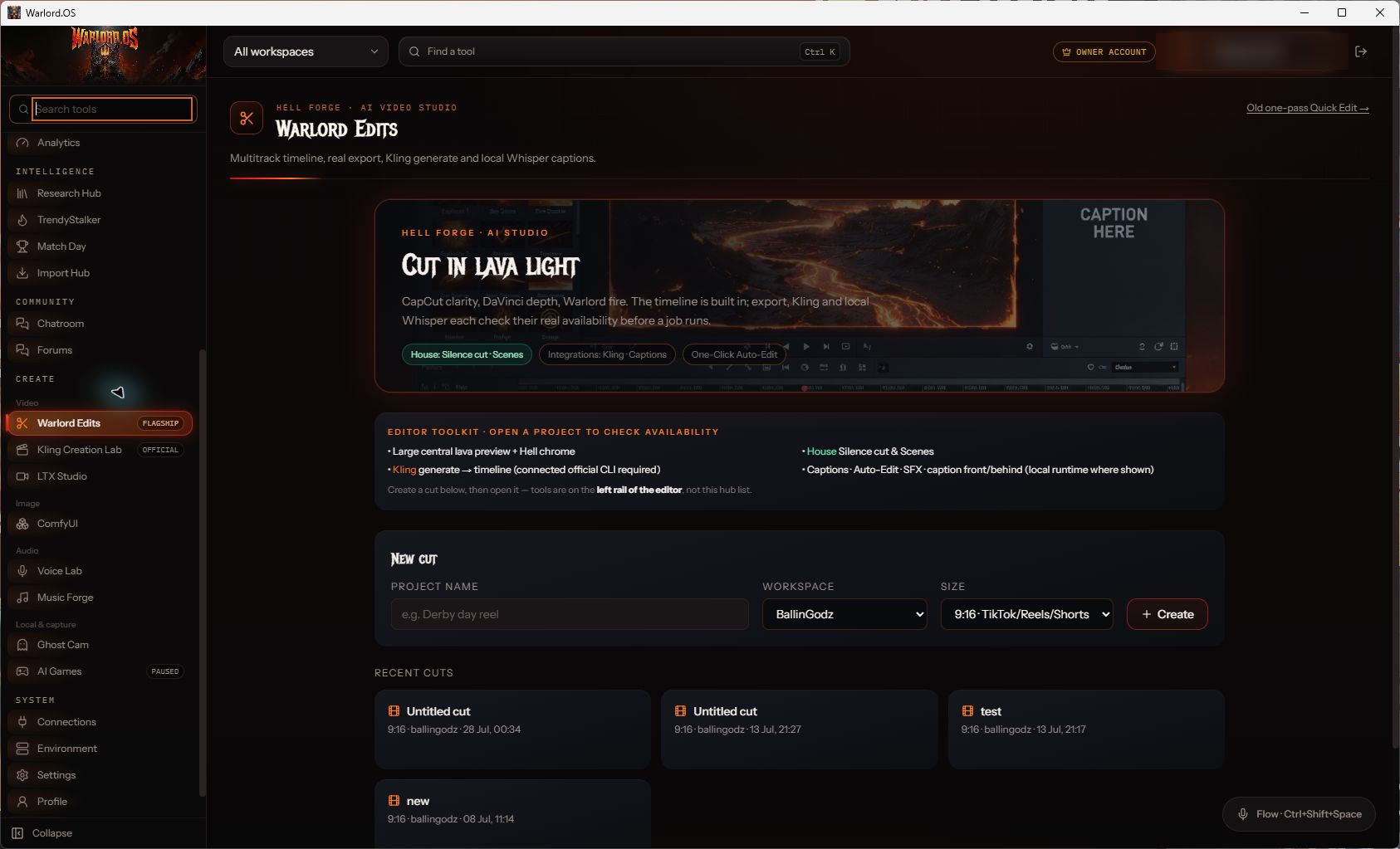
These are genuine captures from the running Windows app. No invented interfaces, fake metrics or fictional account connections are used.
LOCAL MEDIA INTAKEImport Hub inspects, combines and proves the file.LOCAL VIDEO FINISHINGWarlord Edits takes retained media to a real export.
THE CREATION ARSENAL
Use the right engine without losing the project.
Cloud and local creation tools remain focused, while outputs can move through the same workspaces and Media Library used by the wider system.
01Official cloud image + video
Kling Creation Lab
Create images and videos through Kling's official CLI, using the models and controls reported by the connected account.
02Local generative suite
Wan2GP
Managed local video, image and audio through the official Wan2GP Gradio app. Open Create → Wan2GP in the desktop OS.
03Local cinematic generation
LTX Studio
Create text-to-video and image-to-video work through the managed local LTX workspace when its runtime and model are installed.
04Local stills from chat
WARLORD images
Generate stills in WARLORD, keep them in the Media Library. Runs on this machine — no separate image engine to buy or install.
05Narration + voice change
Voice Lab
Use a connected ElevenLabs account for narration or voice change, then keep the result with the rest of the project.
ONE MEDIA LIBRARYGenerate, retain, edit and publish without abandoning the operation.
SPECIALIST WORKSTATIONS
The work around the model matters too.
01
Ghost Cam
Browse in the in-app Chromium browser, then screenshot or record with sound, with captures kept beside the work.
02
Import Hub
Bring one permitted public YouTube video into the local Media Library, combine compatible streams and verify the file.
03
TrendyStalker
Research grounded YouTube movement by niche and timeframe before deciding what is worth making.
04
Warlord Edits
Cut on a real timeline, generate local captions, detect scenes and export through the local FFmpeg pipeline.
05
Match Day
Use a connected football-data.org feed to prepare grounded, brand-specific match coverage.
06
Trading Warlord
Manual live-money desk with chart signals, news and Ornith. It is not presented as guaranteed profit.
MEMBERSHIP
Start with the command layer that fits your operation.
Review Starter, Pro and Advanced access before creating a profile. The pricing page shows the current plan boundaries; no capability is implied merely because it appears in the owner-build showcase above.
Warlord.OS is a Windows desktop system. Connected providers, models, credits, hardware and platform accounts remain subject to their own terms, costs and availability. Trading Warlord is live money you place yourself. No profit, reach or platform approval is guaranteed.